Anti-Glare Film
for Touchscreens
Improve visibility and user interaction on touchscreen kiosks, payment displays, ordering screens, wayfinding systems, museum exhibits, and commericial control panels.
Anti-glare film help reduce reflections on interactive displays so users can see clearly, interact with confidence, and complete tasks faster
☼
ReducesReflections
◉
ImprovesReadability
♢
ProtectsSurfaces
▱
Works OnGlass & Acrylic
⌖
TouchscreenCompatible
▭
Custom SizesAvailable
Why Touchscreen Glare Hurts Usability
When screens are affected by glare, users struggle to read, interact, and complete tasks.
- Harder to see buttons and menus
- Missed taps and input errors
- Slower interactions
- User frustration
- Reduced accessibility
- More staff assistance requests
- Poor customer experience
- Lower engagement and satisfaction
Best Touchscreen Applications
- Self-service kiosks
- Ordering screens
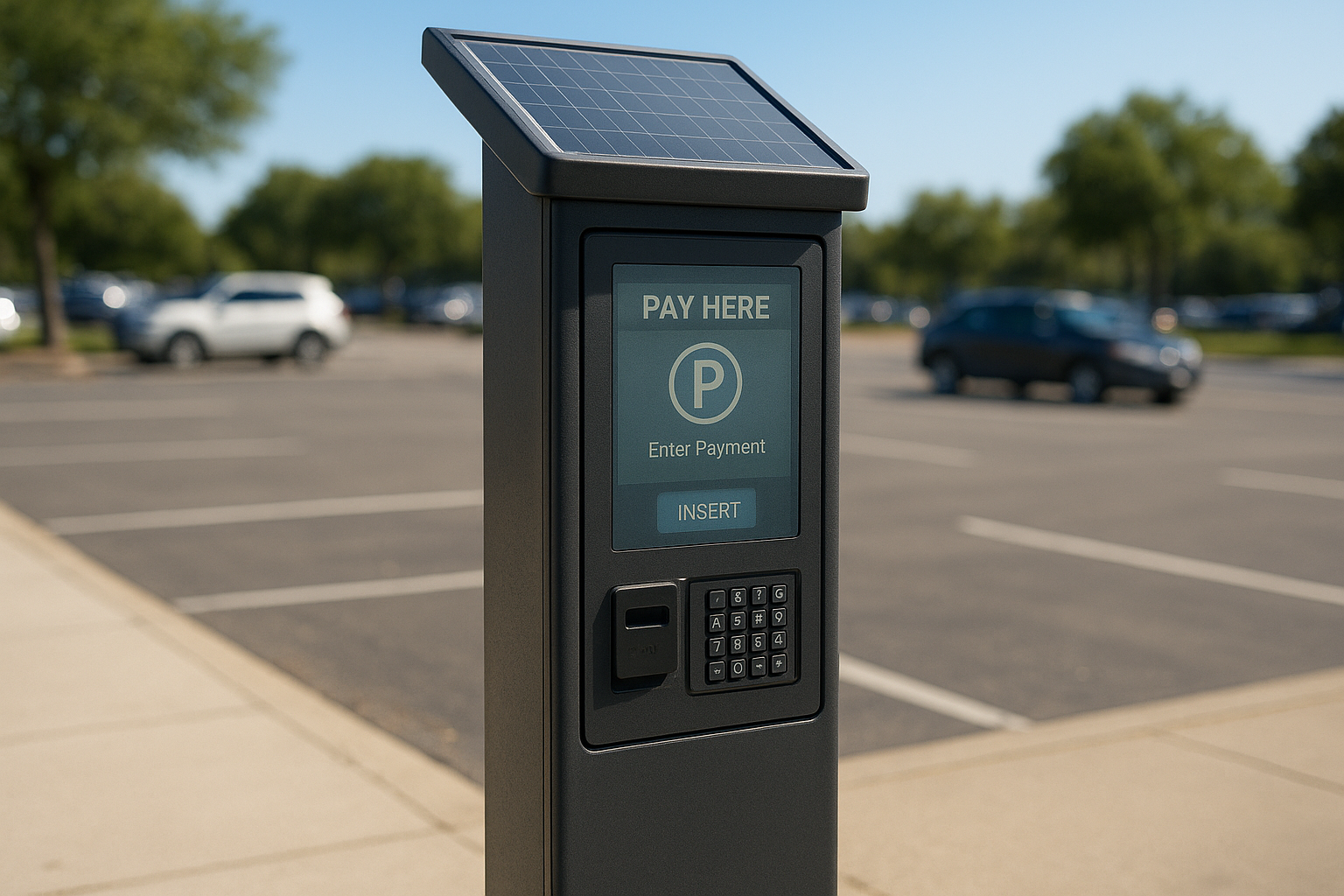
- Payment displays
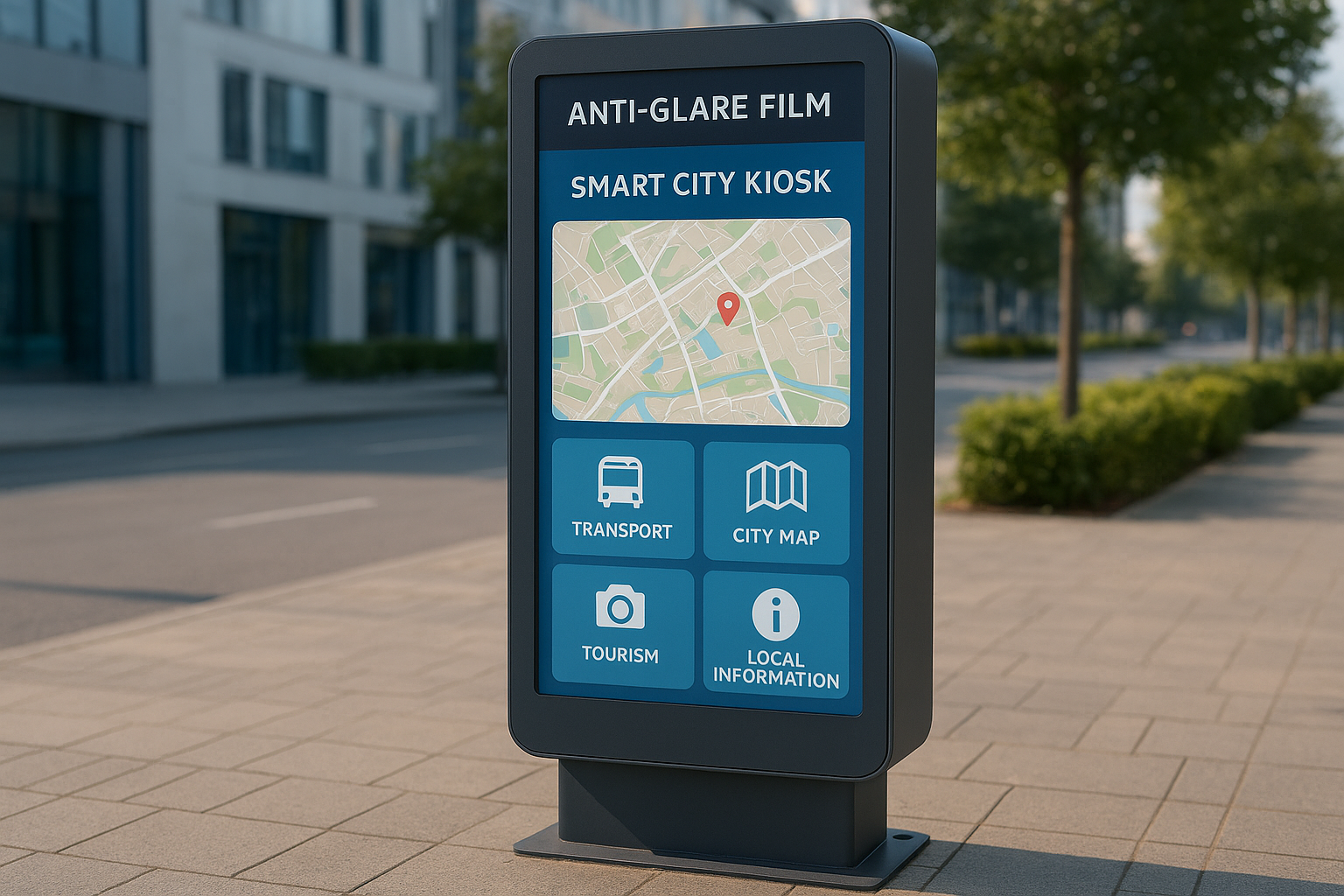
- Wayfinding systems
- Museum exhibits
- Retail touchscreens
- Control panels
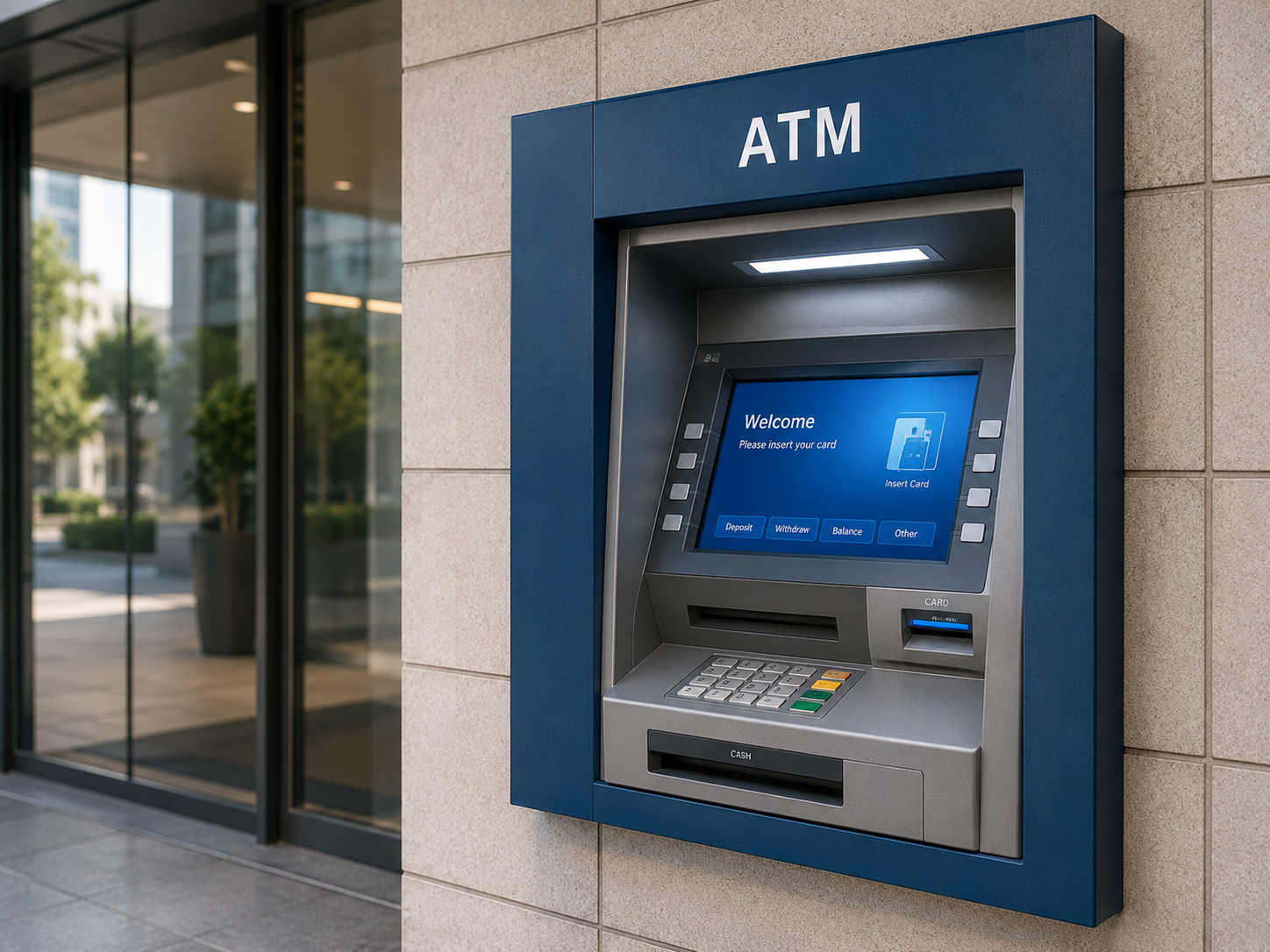
- ATM touchscreens
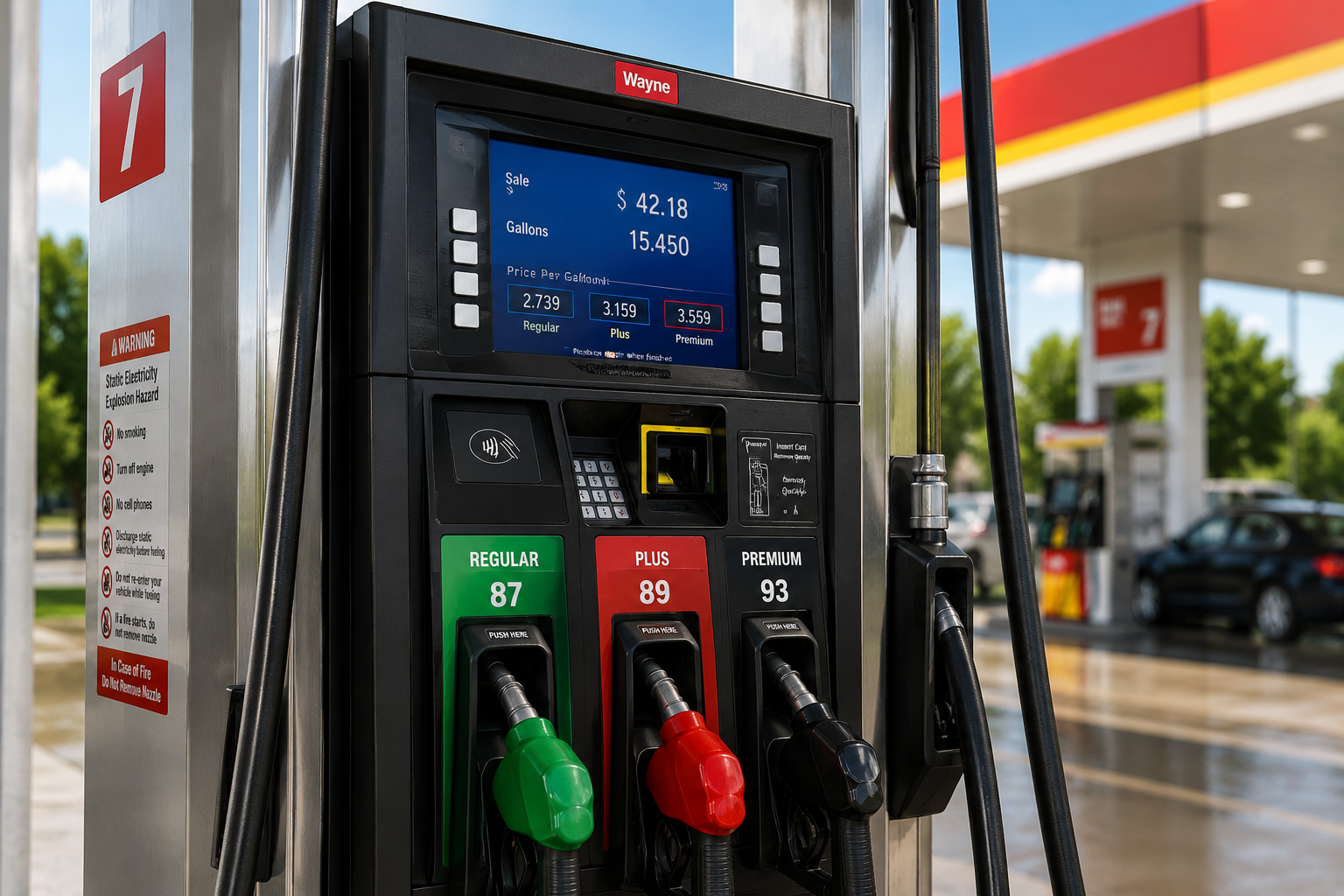
- Gas pump screens
- Healthcare kiosks
- Transportation kiosks
- Hotel check-in
Indoor & Outdoor Touchscreen Glare Problems
Indoor Glare Sources
- Overhead lighting
- Windows and glass
- Polished floors
- Bright retail lighting
- Glossy screen surfaces
- Mall and lobby lighting
- Protective glass covers
Outdoor Glare Sources
- Direct sunlight
- Reflected sunlight
- Pavement glare
- Vehicle reflections
- Changing sun angles
- Outdoor kiosk exposure
- Weather enclosures
Anti-Glare Film for Public-Facing Screens
Helps improve visibility and usability for the screens people rely on every day.
- Makes instructions easier to read
- Improves touch accuracy
- Supports faster task completion
- Better accessibility for all users
- Keeps content visible from angles
- Enhances overall user experience
Where Anti-Glare Film Is Used
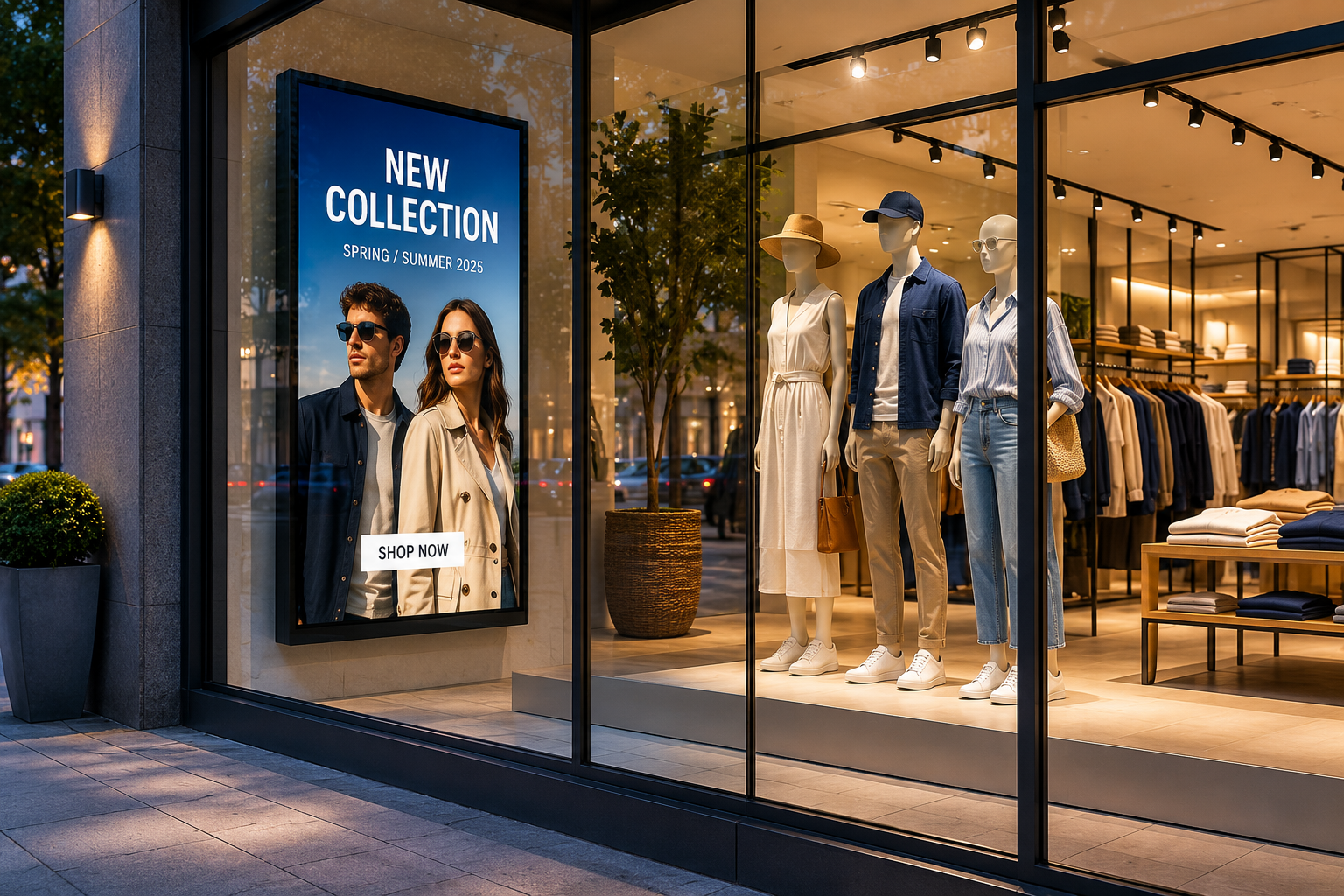
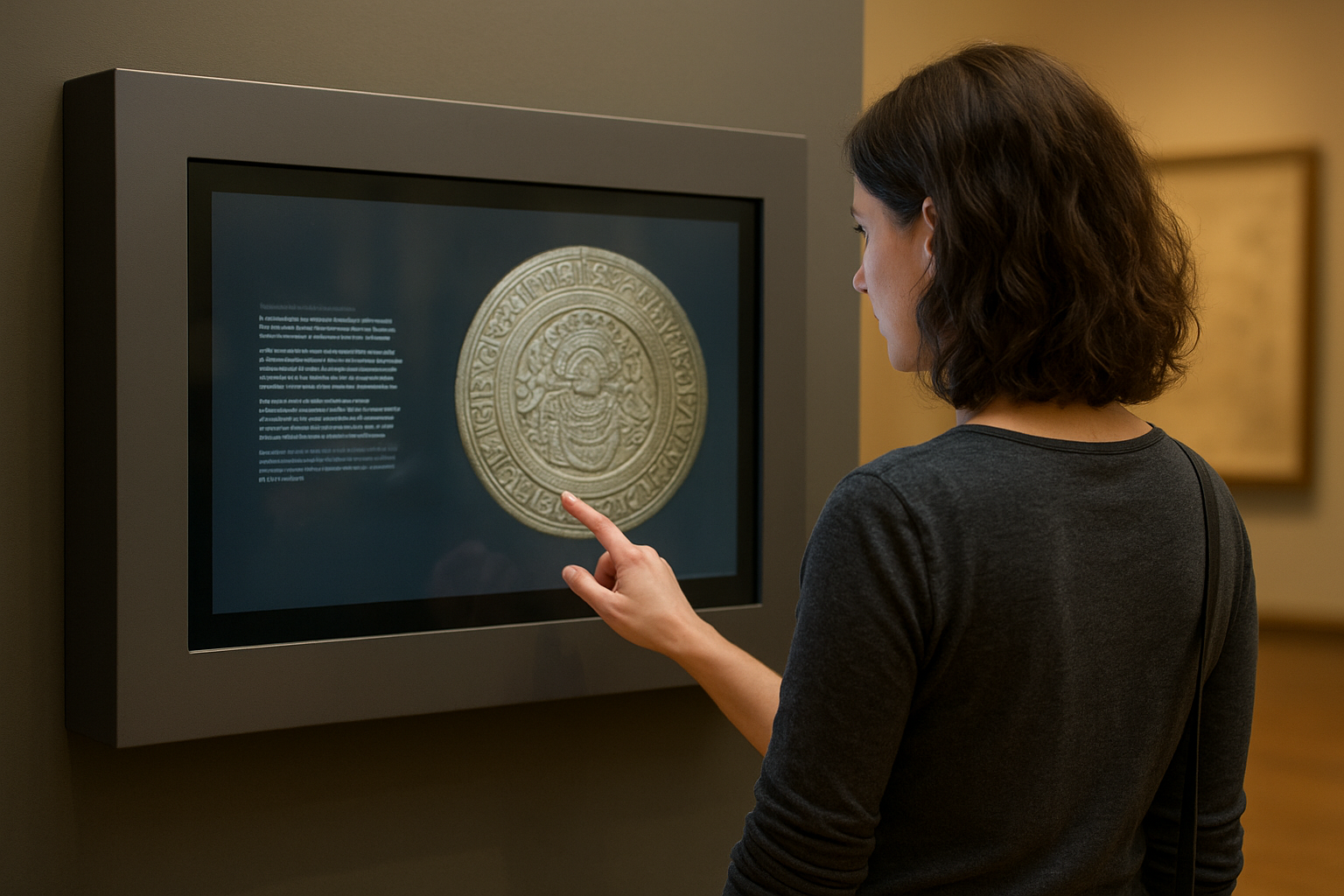
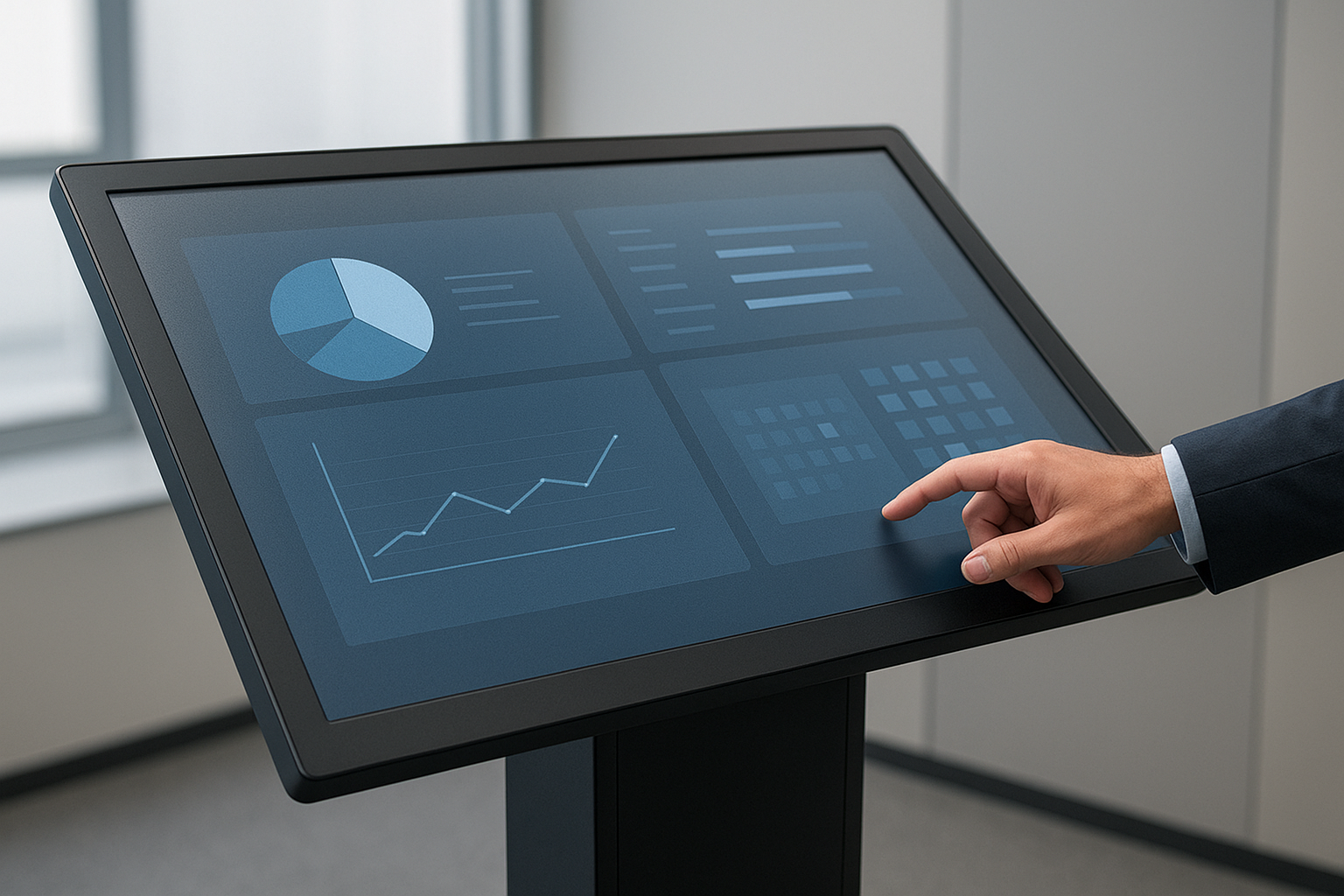
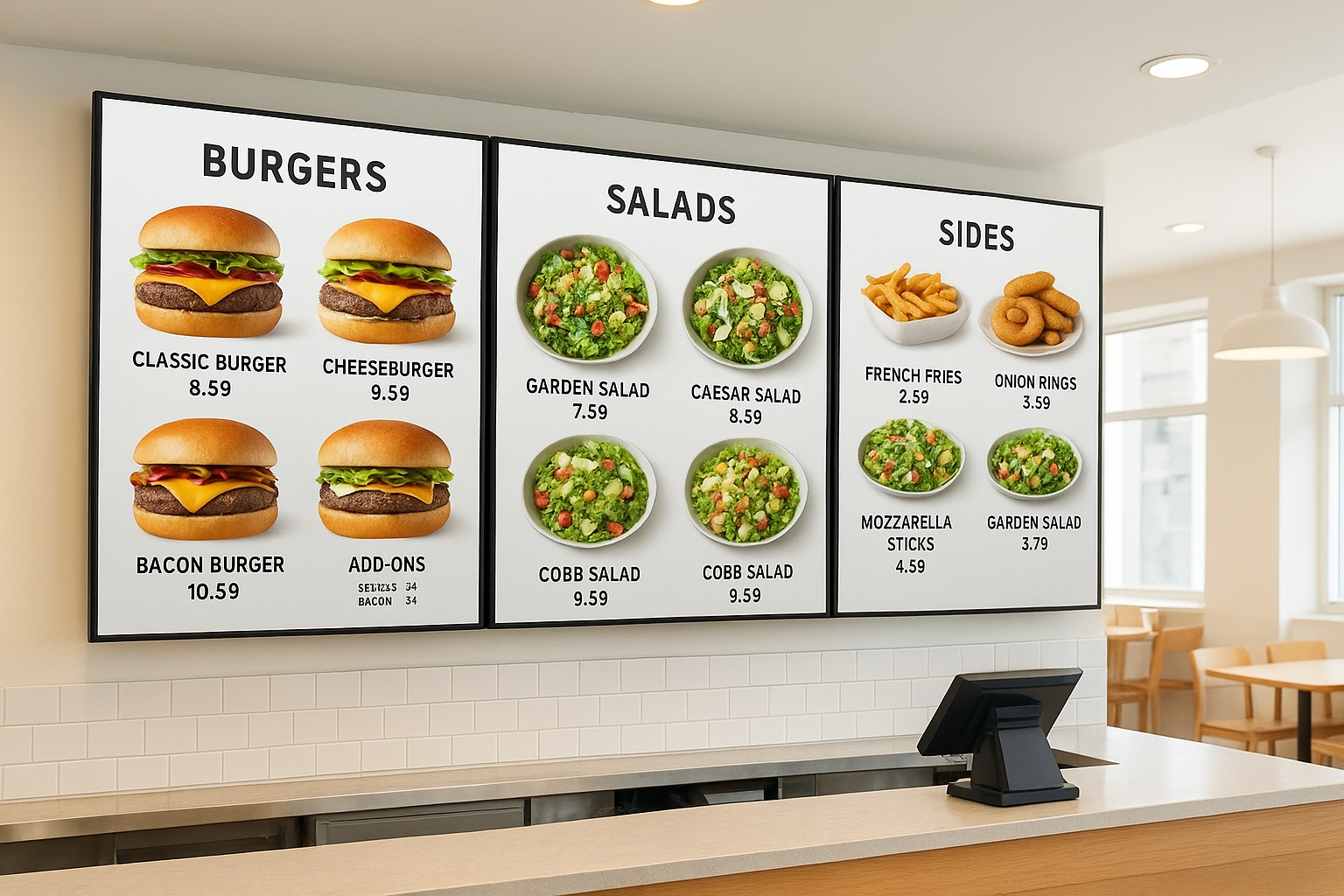
Anti-Glare Film vs. Replacing the Touchscreen
If glare is the problem, film is often a smarter first step.
| Problem | Replacing Screen | Anti-Glare Film |
|---|---|---|
| Surface reflections | May not solve it | Helps reduce glare |
| Existing screen works | Expensive upgrade | Easy retrofit option |
| Protective glass glare | Still possible | Helps diffuse reflections |
| Fingerprints & smudges | Still possible | Adds protective layer |
| Outdoor/indoor lighting | May improve brightness | Improves surface visibility |
| Multi-location rollout | High cost | More practical upgrade |
| Overall user experience | May not fully improve | More comfortable to use |
Standard or Ultra Clear for Touchscreens?
Choose the right film based on your environment and goals.
Use Standard Anti-Glare Film When...
- Strong glare reduction is the priority
- Utility-focused environments
- Text and buttons are the main content
- Outdoor or high-glare conditions
- Cost-effective improvement is needed
- Practical solution for large rollouts
Use Ultra Clear Anti-Glare Film When...
- Image clarity and visuals matter more
- Customer-facing premium displays
- High-quality graphics or media
- Retail, museum, hotel, or showroom
- Clean, sharp appearance is important
- Premium experience is a priority
Quick Recommendation
Use Standard Anti-Glare Film for practical glare reduction.
Use Ultra Clear Anti-Glare Film for premium clarity and appearance.
Surface Protection Benefits
Helps protect your touchscreen investment.
- Resists fingerprints
- Reduces smudges
- Helps prevent scratches
- Withstands daily touch use
- Easier to clean
- Maintains a clear appearance
- Extends screen surface life
What Measurements Are Needed?
- Width and height of the visible screen
- Quantity needed
- Surface type
- Touchscreen or non-touchscreen
- Indoor or outdoor use
- Standard or Ultra Clear preference
- Photos of the kiosk and glare issue
- Installation location
Send accurate details for the fastest quote.
Installation Considerations
For best performance, the surface should be:
- Clean, smooth, and dry
- Free of dust, oils, and debris
- Free of scratches and damage
- Free of old adhesive
- Accurately measured
- Accessible for application
What We Need for a Quote
- Width and height
- Quantity needed
- Kiosk type and application
- Surface type
- Touchscreen or non-touchscreen
- Indoor or outdoor use
- Standard or Ultra Clear preference
- Photos of the kiosk
- Photos showing glare
- Installation location
- Shipping location
- Desired timeline