Anti-Glare Film
Installation Guide
Learn how to measure, prepare, and plan anti-glare film installation for displays, glass, acrylic panels, kiosks, touchscreens, signage, ATMS, gas pumps, and exhibit surfaces.
Proper installation starts before the film touches the surface. Accurate measurements, clean surfaces, and the right film selection help create a cleaner, longer-lasting result.
☼
ReducesReflections
◉
ImprovesReadability
♢
ProtectsSurfaces
▱
Works OnGlass & Acrylic
⌖
TouchscreenCompatible
▭
Custom SizesAvailable
Where Anti-Glare Film Can Be Installed
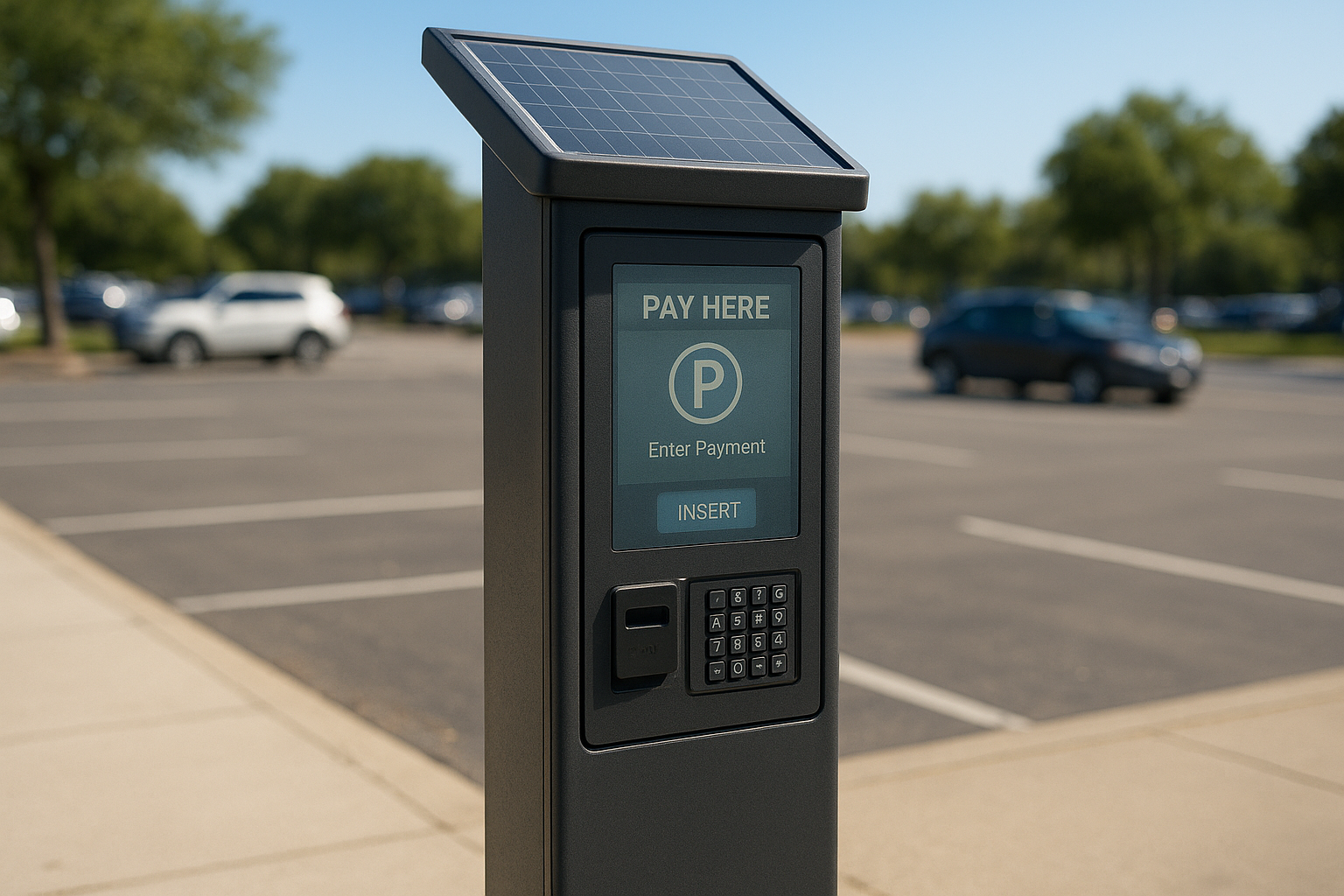
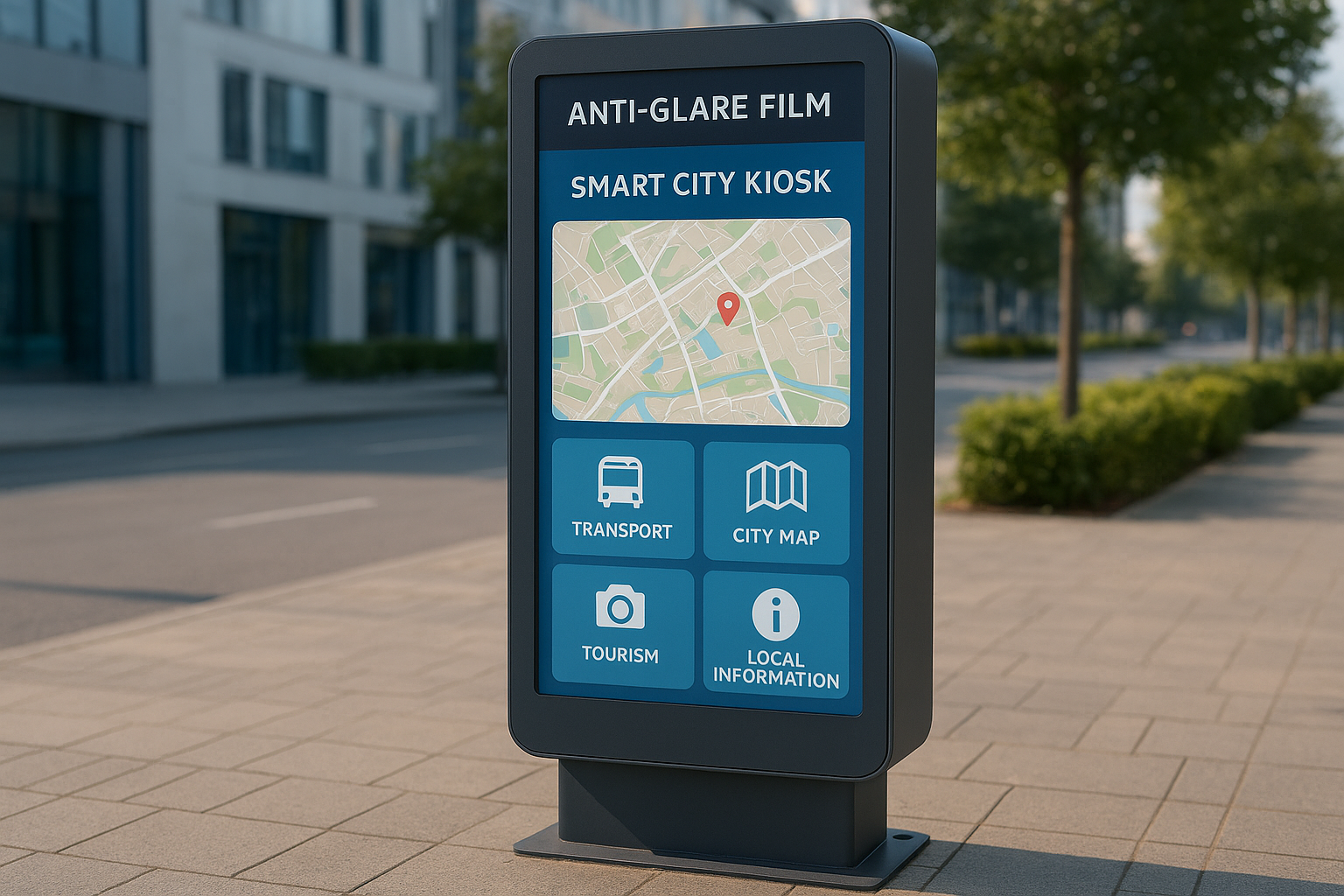
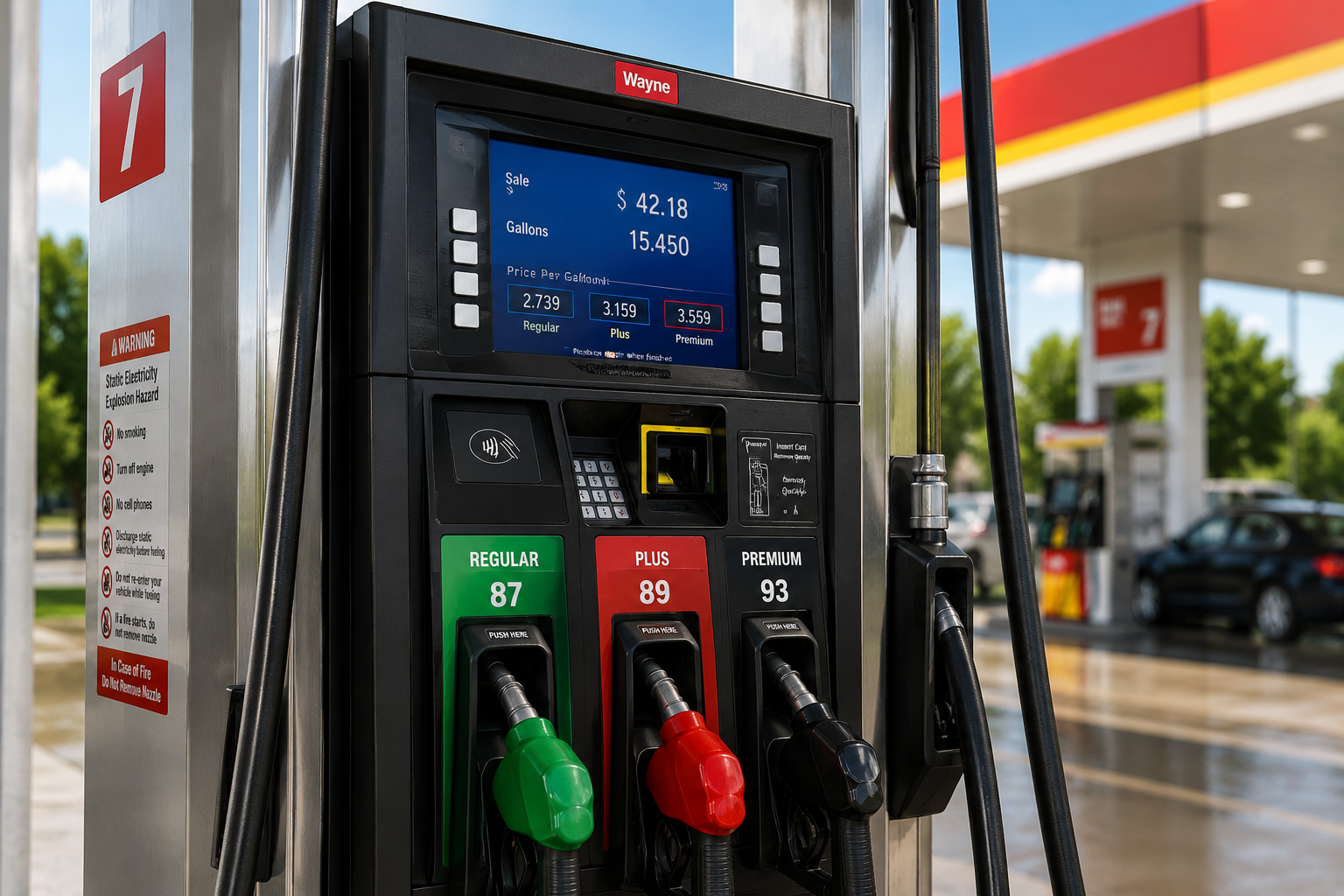
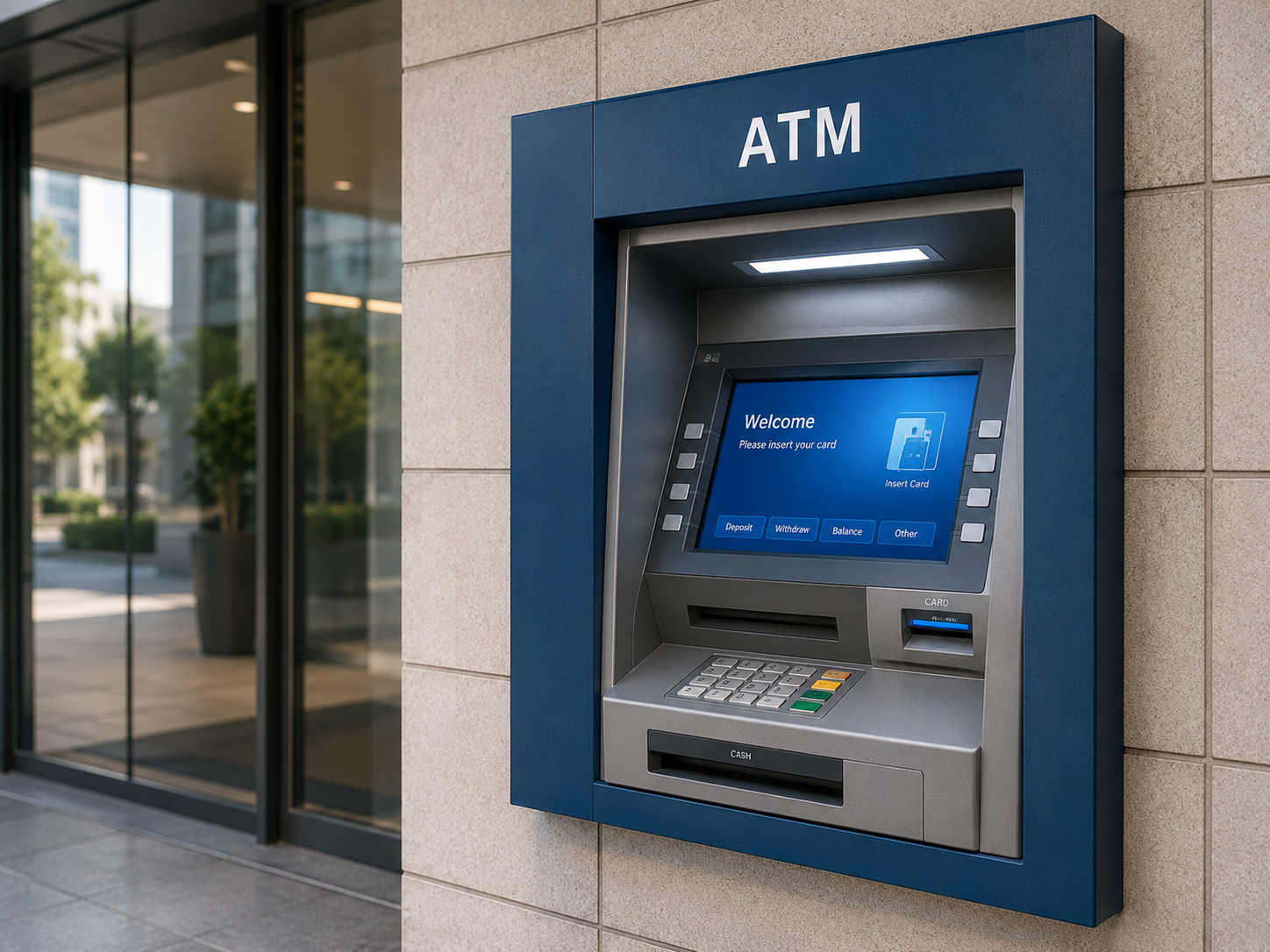
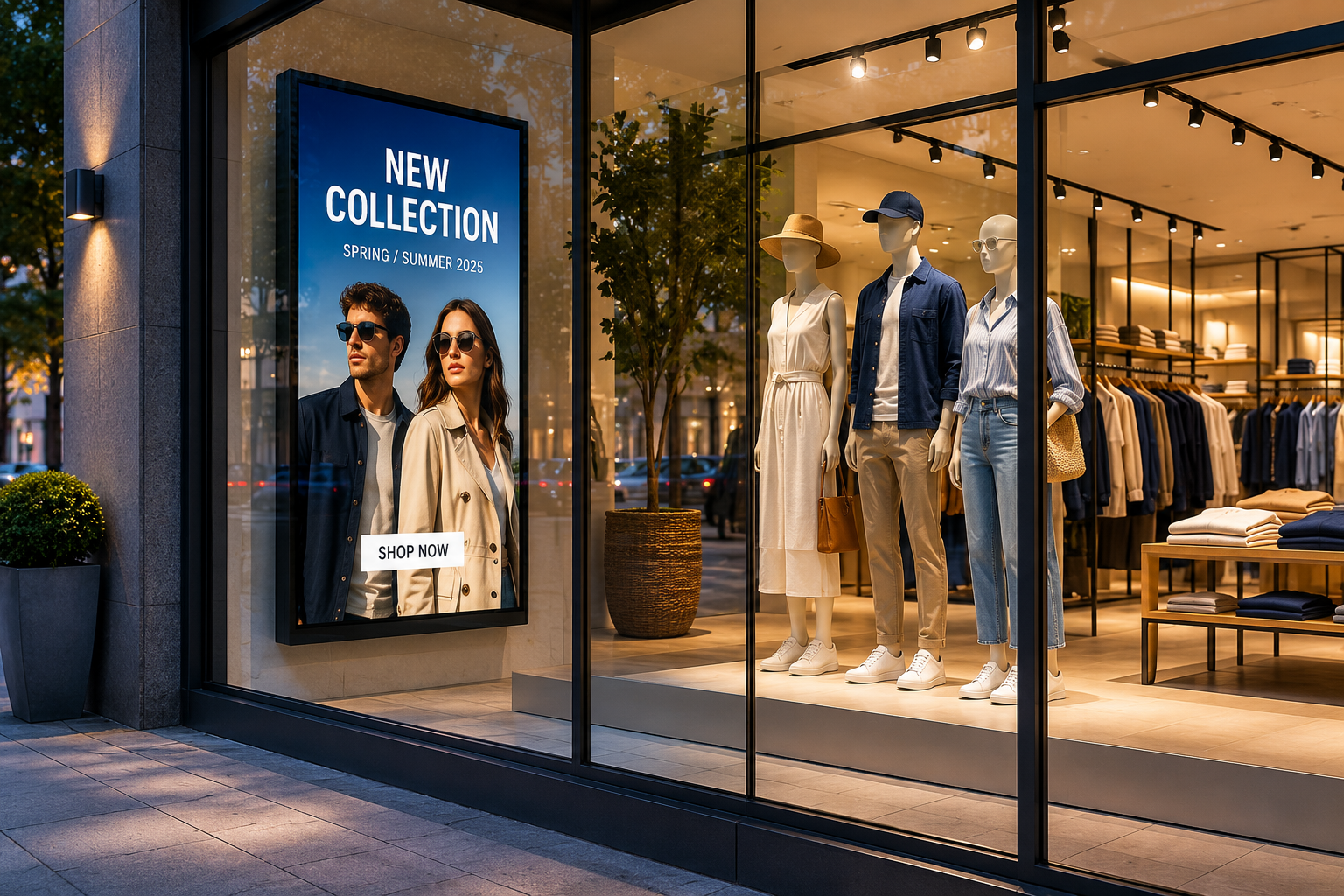
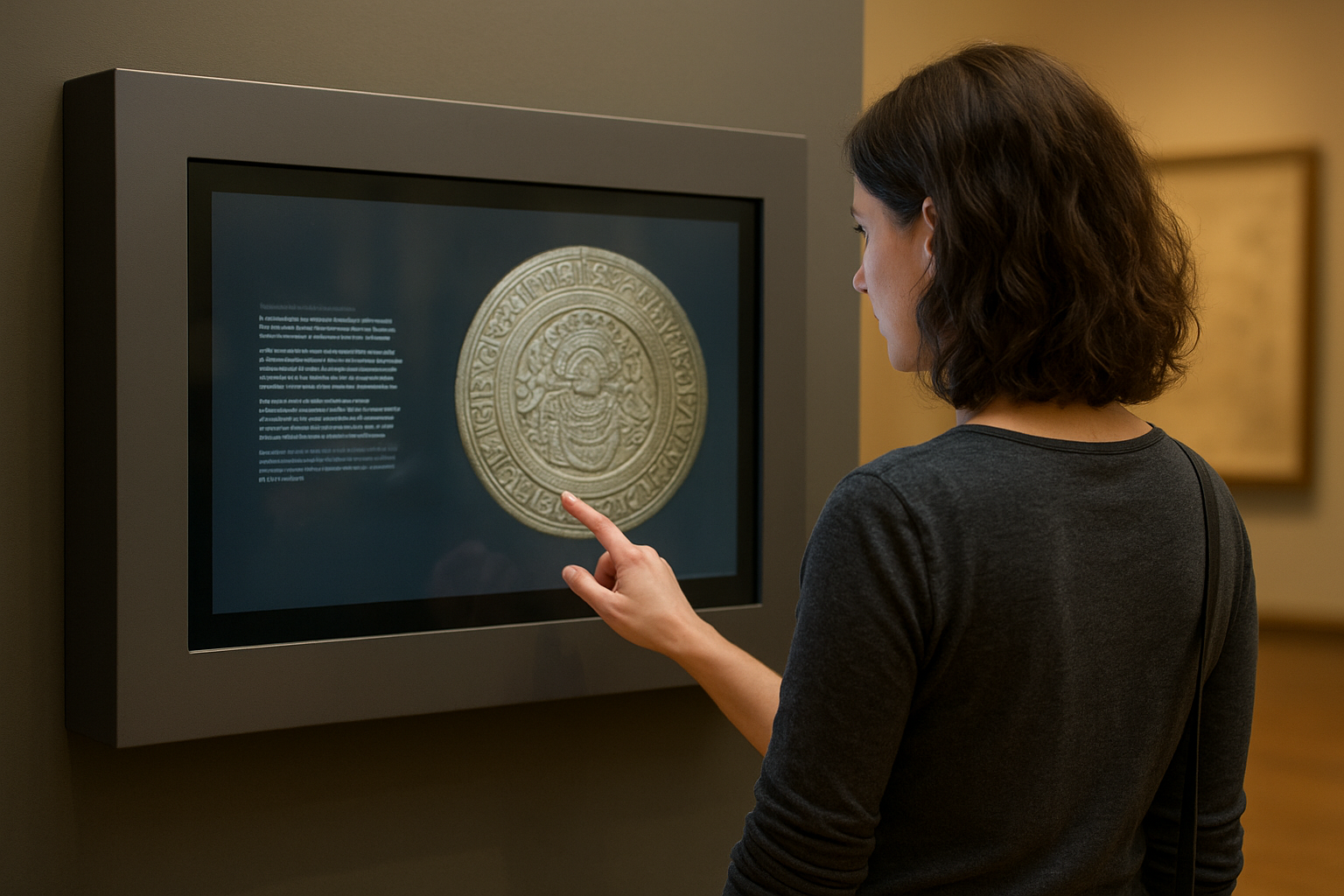
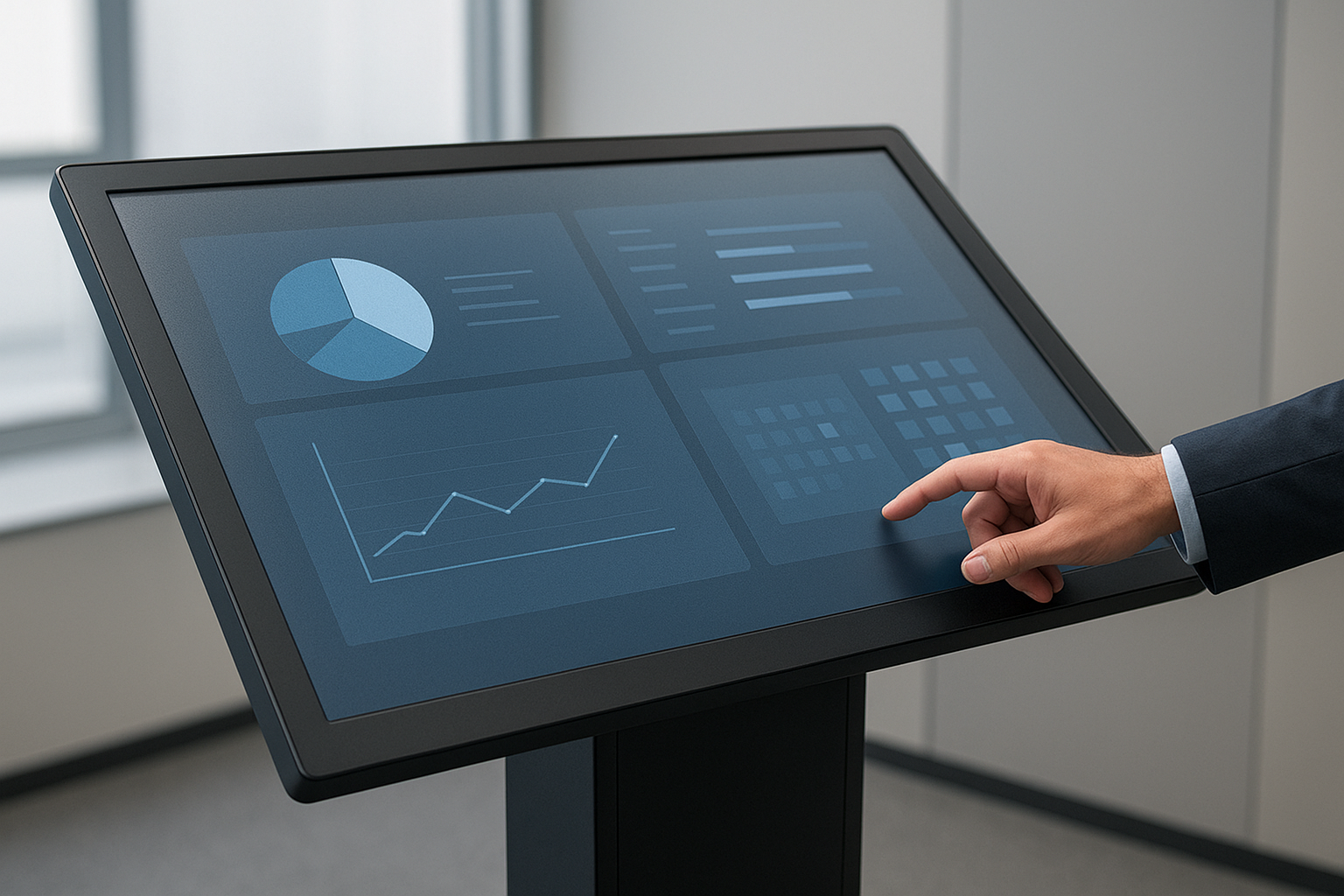
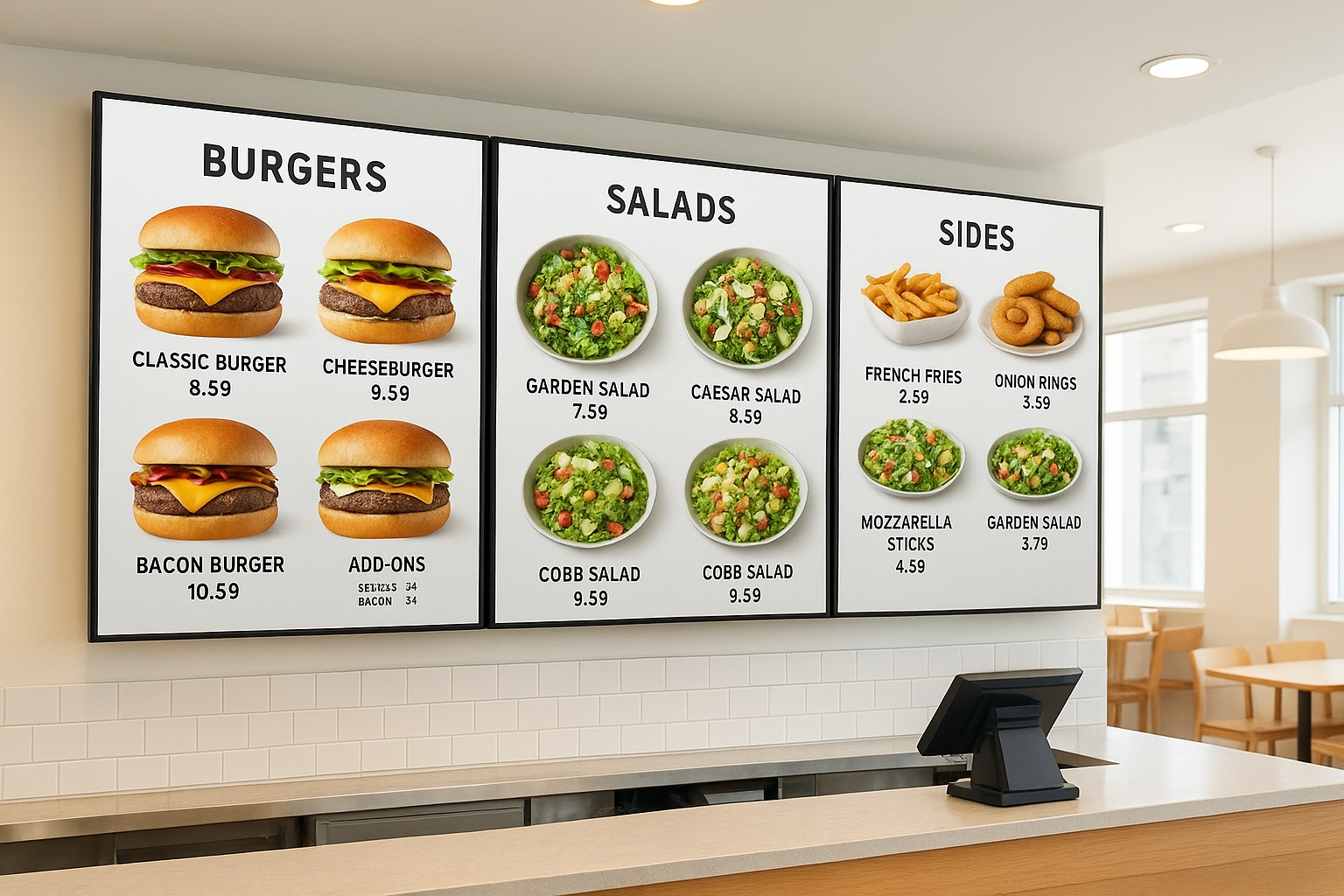
How to Measure
1. Measure the Width
Measure the visible application area from left to right.
2. Measure the Height
Measure the visible application area from top to bottom.
3. Confirm the Surface Type
Tell us whether the film will be applied to glass, acrylic, or another surface.
Glass
Acrylic
4. Confirm Touchscreen Status
Is the surface touch-enabled? Tell us the touchscreen type if known.
Photos to Send Before Ordering
- Straight-on photo of the display
- Close-up of the surface
- Photo showing the glare issue
- Photo of the frame or bezel
- Side-angle photo if possible
- Photo of the full installation area
- For outdoor displays, photo during problem lighting
Surface Preparation
✓
Clean
✓
Smooth
✓
Dry
✓
Free of Dust
✓
Free of Oils
✓
Free of Fingerprints
✓
No Old Adhesive or Residue
✓
No Scratches or Damage
✓
Accessible for Installation
Glass Installation Notes
- Confirm glass is flat and smooth
- Clean thoroughly before application
- Check for chips or scratches
- Measure inside the frame if needed
- Avoid covering sensors or buttons
- Confirm indoor or outdoor use
- Confirm touchscreen status
Acrylic Installation Notes
- Acrylic scratches more easily
- Use non-abrasive cleaners
- Ensure surface is smooth
- Avoid static dust buildup
- Confirm if acrylic flexes
- Confirm indoor or outdoor use
- Confirm if acrylic is part of a touchscreen stack
Touchscreen Installation Notes
- Confirm touch type before ordering
- Use compatible film for the application
- Avoid bubbles and debris under touch area
- Keep edges clean and aligned
- Avoid blocking sensors or cameras
- Test touchscreen after installation
Indoor vs. Outdoor Installation
Indoor
- Controlled lighting
- Cleaner environment
- Lower dust exposure
- Retail, museum, office spaces
- Easier surface control
Outdoor
- Direct sunlight
- Weather exposure
- Dust and debris risk
- Temperature changes
- More prep planning needed
Standard vs. Ultra Clear
Use Standard Anti-Glare Film When...
- Glare reduction is the main priority
- The display is utility-focused
- Kiosks, ATMs, gas pumps, or general displays
- Cost-effective solution
- Practical visibility improvement
Use Ultra Clear Anti-Glare Film When...
- Image clarity matters more
- Premium or brand-facing displays
- Retail, museums, luxury spaces
- Cleaner, sharper appearance is needed
- Visual finish is part of the experience
Common Installation Mistakes to Avoid
- Measuring the wrong area
- Installing over dust or debris
- Installing over fingerprints or oils
- Applying film to damaged surfaces
- Using harsh cleaners on acrylic
- Forgetting touchscreen details
- Ignoring rounded corners or cutouts
- Covering buttons, cameras, or sensors
- Choosing the wrong film type
- Installing in poor outdoor conditions
- Skipping photos before ordering
When Professional Installation Is Recommended
- Large display glass
- Retail storefront displays
- Museum exhibit glass
- Multi-location rollouts
- Touchscreen kiosks
- Outdoor screens
- Gas pump screens
- ATM screens
- Acrylic panels that scratch easily
- Premium customer-facing displays
- High-quantity projects
- Surfaces with complex edges
What Measurements Are Needed?
- Width and height of the visible screen
- Quantity needed
- Surface type
- Touchscreen or non-touchscreen
- Indoor or outdoor use
- Standard or Ultra Clear preference
- Photos of the kiosk and glare issue
- Installation location
Send accurate details for the fastest quote.
Installation Considerations
For best performance, the surface should be:
- Clean, smooth, and dry
- Free of dust, oils, and debris
- Free of scratches and damage
- Free of old adhesive
- Accurately measured
- Accessible for application
What We Need for a Quote
- Width and height
- Quantity needed
- Kiosk type and application
- Surface type
- Touchscreen or non-touchscreen
- Indoor or outdoor use
- Standard or Ultra Clear preference
- Photos of the kiosk
- Photos showing glare
- Installation location
- Shipping location
- Desired timeline